
More than 111 million U.S. addresses
Look up a property by street address, see what’s nearby and compare locations side by side.
REAL ESTATE RESEARCH, MADE CLEARER
We collect and process real estate data so you can earn more.
Sample Report Sample Comparison Website Plugin
Start free No card required
All 50 states and Washington, DC
Look up a property by street address, see what’s nearby and compare locations side by side.
Explore schools, parks, shops, restaurants, medical services and transit around a property.
New place information gives you a more current view of what’s around a property.
We look for changes in existing records so the places shown in maps and reports stay up to date.
All three tools are included in one Pro plan.
Add a searchable neighborhood map to your listings with one script. Visitors can explore nearby schools, shops, parks and more right on your website.
See the website map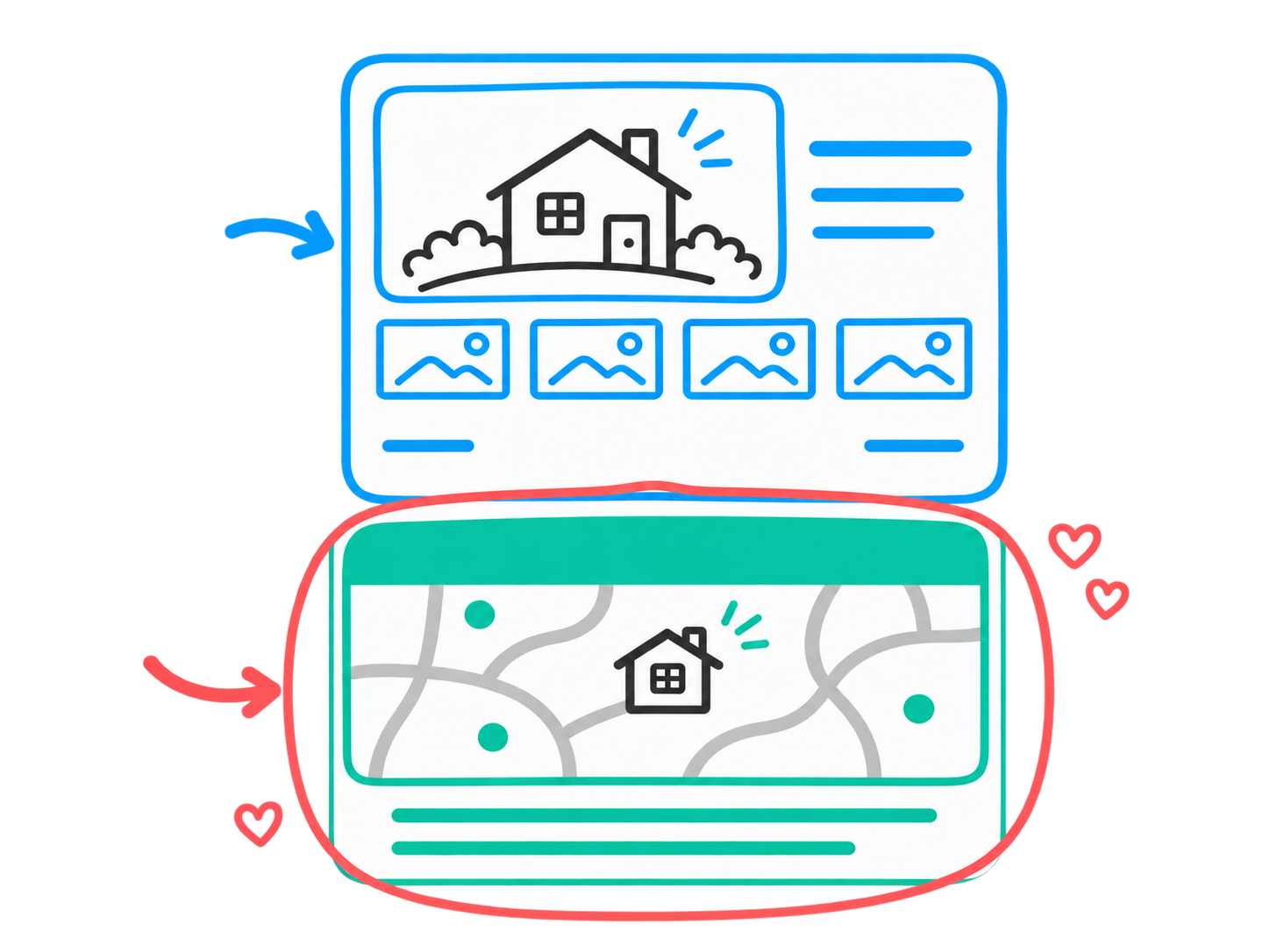 your-website.com
Your
Use a digital report to evaluate a property’s location before buying, investing or advising a client. See nearby amenities, distances and estimated travel times by car, bike or on foot.
Open a sample report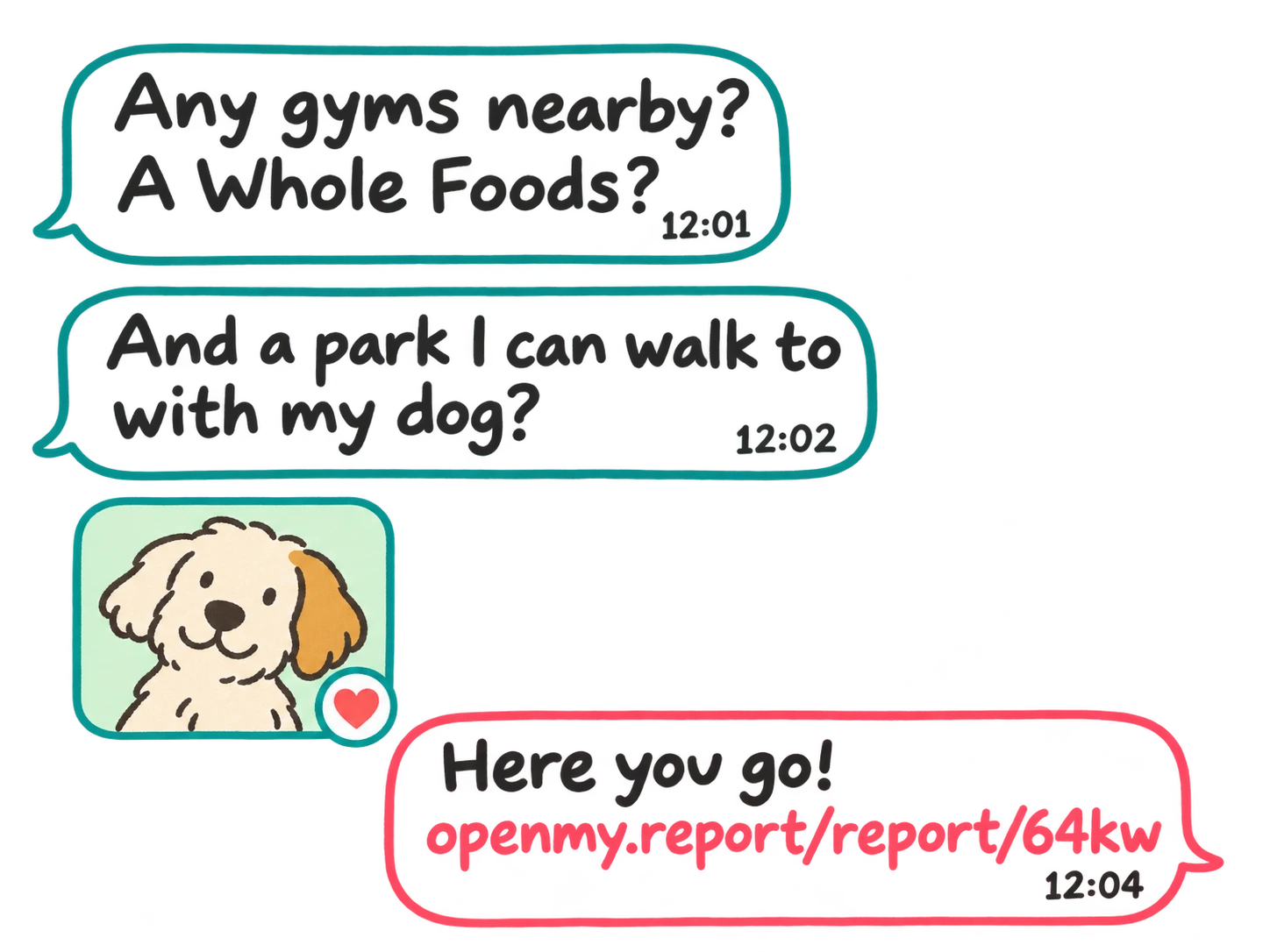
Compare up to four properties side by side. Check the amenities around each property and see which is closer to the places you or your client use most.
Open a sample comparison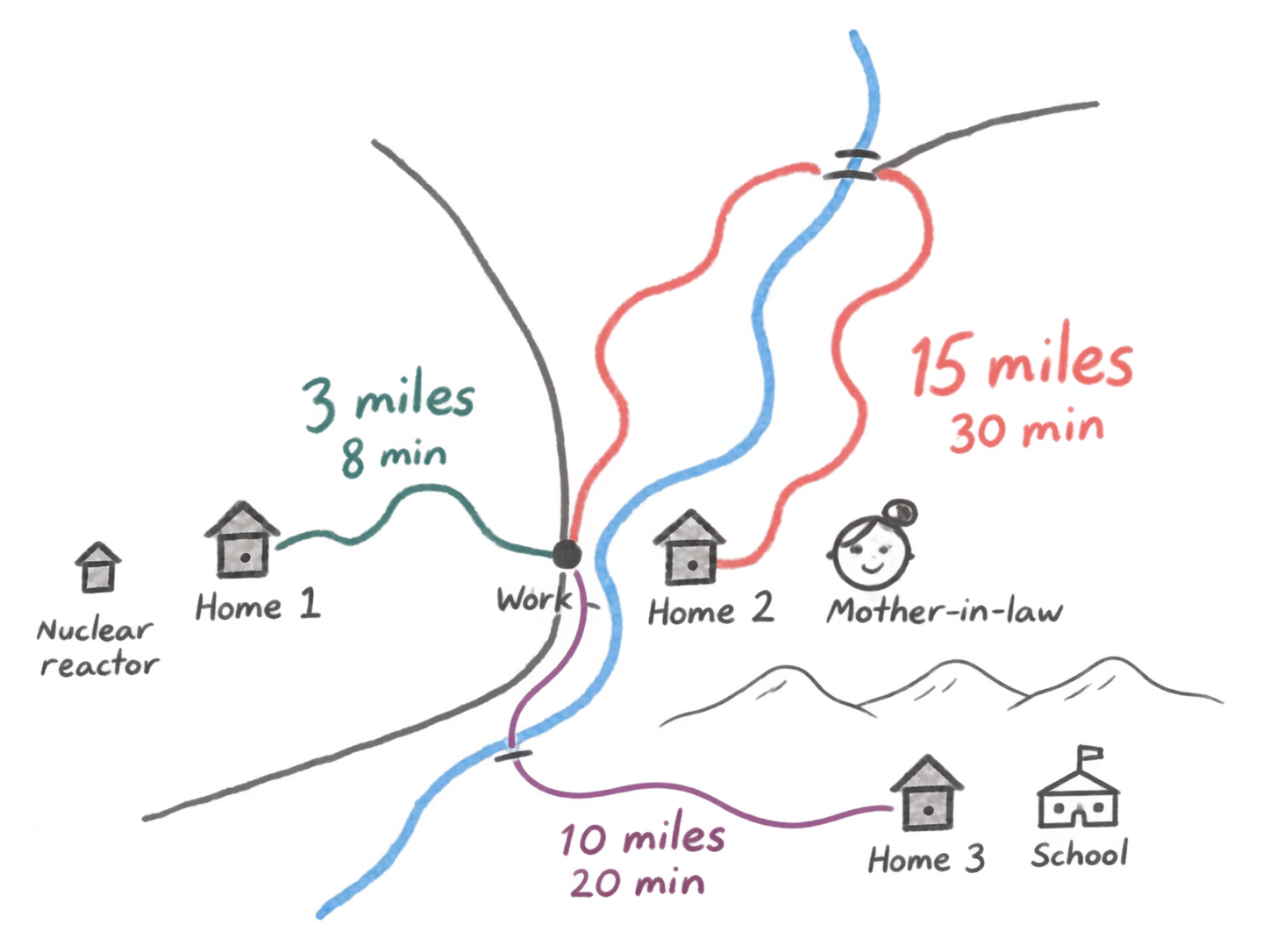
For each place around a property, OPEN™ shows the route, distance, and estimated travel time by car, bike, or on foot.
Try reports and comparisons free for 24 hours. Get a searchable neighborhood map for your listings with Pro.
Try OPEN™ for yourself. No card required.
Starts with your first full report, not with registration.
We install the Website Add-On on one site. Reports and comparisons are included.
Billed monthly. Cancel renewal online; access continues through the paid period.
$1,000 billed upfront for one year. Save $200. Cancel renewal online.
No automatic charge when your trial ends. Pro renews until canceled.
Compare all plan detailsEarn lifetime commissions on eligible subscription payments, including renewals, for as long as your referred clients pay*
Become a partnerNo BS. Seriously. We mean it. 100000000%. We’ll never lower your commission rate as long as your referred clients keep paying OPEN™.
Buyers can look up a specific gym or grocery store, browse nearby places by category, and see how long it takes to get there right from the listing. See the website map.
We install the Website Add-On once in your listing template. The map appears on listings that use that template and have an address OPEN™ recognizes.
Send a link to the report for the home you just toured. If your client asked about parks for their dog, you can follow up with the nearby options and how long it takes to get there. See a sample report.
Yes. Look up the street address in OPEN™ and share the location report with your client, even if the property is listed on another site.
Save a destination in My Places, such as your client’s office, and include it in a comparison of up to four homes. See the estimated drive, bike, and walk times from each address. See a sample comparison.
Look up the address to see which grocery stores, parks, and transit stops are nearby. If you’re comparing investments from out of town, use those details to decide which properties are worth a visit.
With Pro, you can download a print-ready PDF, export it without OPEN™ branding, and add a QR code that opens the live report.